Zipline System
Roblox Creator Tools / Movement Ride System
Zipline System for
Roblox creators.
Add prompt-based zipline rides to your Roblox
experience. Players can start from one point,
travel smoothly along the line, and land at the
other side with an included ride animation for
a more natural movement experience.
01
What is Zipline System?
Zipline System is a Roblox movement asset that lets
creators add rideable ziplines to their games.
Players interact with a prompt at the starting point,
ride across the line, and arrive at the finish point.
It is designed as a practical gameplay feature for
maps where players need an enjoyable way to travel
between two locations.
Instead of walking across the entire area or using
an instant teleport, players receive a visible ride
experience with an included animation for improved
presentation.
02
Main Features
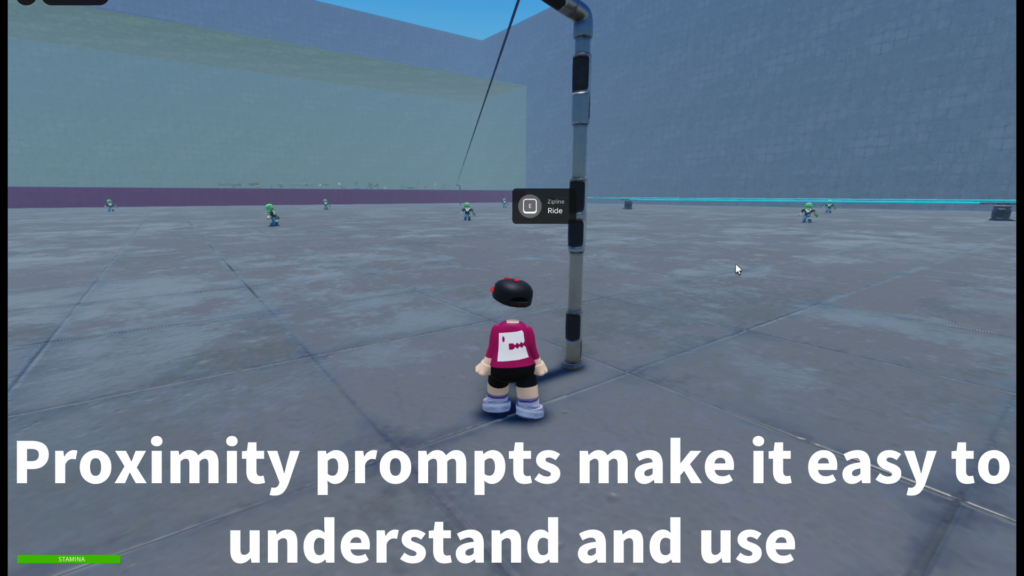
Prompt-based ride
Players start the zipline through a
ProximityPrompt, making the interaction
simple and easy to understand.
Smooth point-to-point travel
The system moves the player from the
starting side to the finishing side
along the configured zipline route.
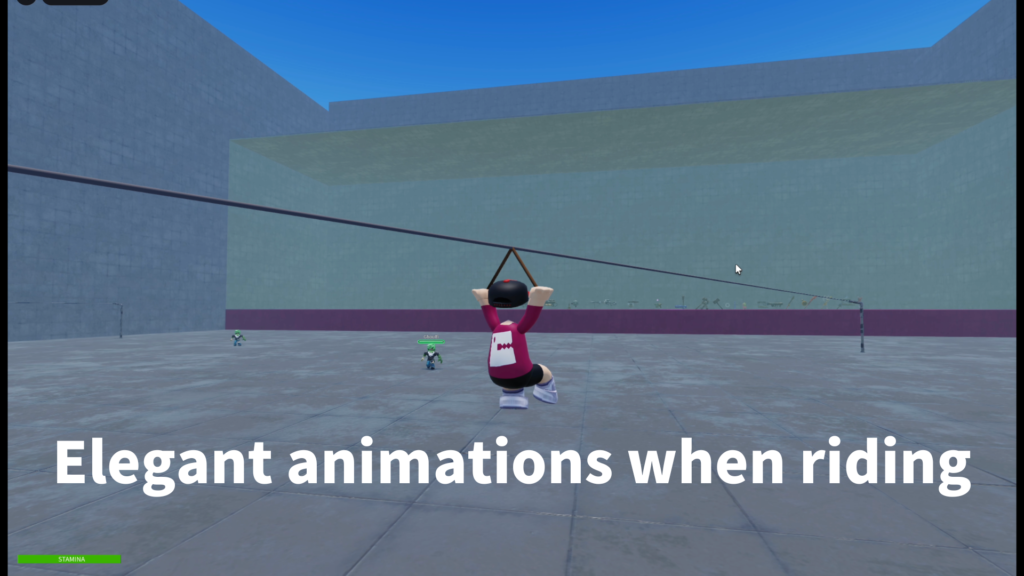
Bonus ride animation
An included ride animation helps the
character look more natural while
traveling along the zipline.
- Prompt-based zipline interaction
- Start and finish point setup
- R15 character support
- Included ride animation bonus
- Local ride animation support
- Jump-to-exit behavior
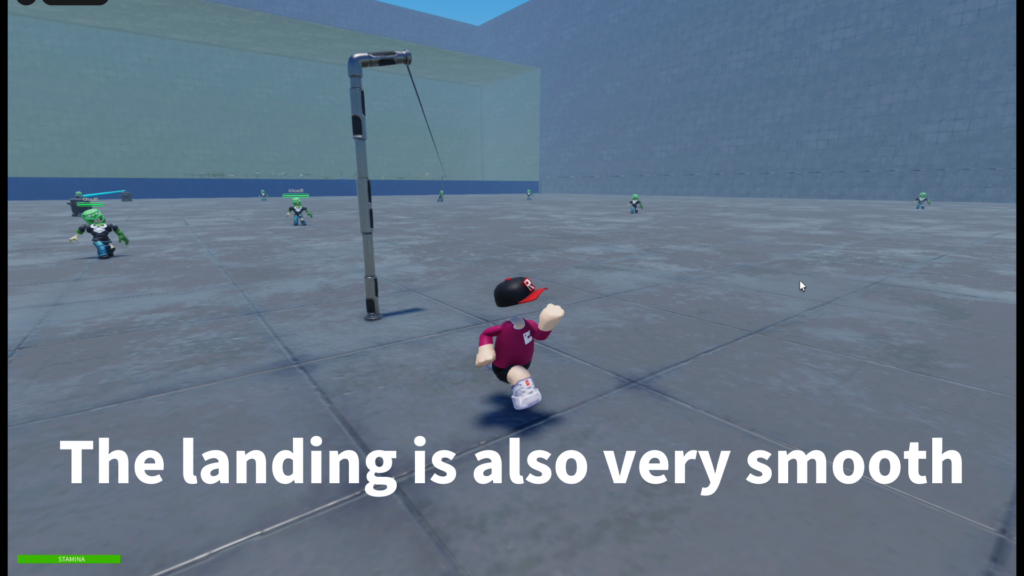
- Stable landing support
- Optional two-way zipline use
- Customizable ride speed
- Customizable sound settings
03
How It Works
Each zipline is configured as a route inside the map.
The player approaches the starting side and activates
the ProximityPrompt to begin the ride.
The system then moves the character along the line
toward the finishing side while playing the configured
ride animation.
1. Use the prompt
The player approaches the zipline and
activates the prompt at the start point.
2. Ride the line
The character travels along the configured
path with the included ride animation.
3. Land and continue
The player exits at the finish point and
can continue moving through the map.
Ride Animation Bonus
Without a ride pose, a character can look stiff
or unnatural while being moved across the line.
The included R15 animation helps make the travel
moment feel more complete.
The animation is provided as a useful bonus.
Creators can replace its animation ID with their
own pose or style when needed.
Player Experience
For players, the interaction is straightforward:
walk to the zipline, use the prompt, ride across,
and land at the other side.
Jump-to-exit behavior can also make the ride feel
more controllable when players need to leave early
or when the zipline is part of a more active
adventure stage.
04
Customizable Settings
Creators can adjust the ride speed, animation,
sounds, travel direction, and route structure
to match the design of their map.
-
Ride speed:
Controls how quickly players move along
the zipline. -
Animation ID:
Defines the animation used while the player
is riding. -
Start sound:
Optional sound played when the ride begins. -
Loop or ride sound:
Optional sound played during travel. -
Finish sound:
Optional sound played when the ride ends. -
Two-way option:
Controls whether the zipline can be used
from both sides.
Recommended Setup
-
Workspace:
Place zipline route folders inside
Workspace > Ziplines. -
ServerScriptService:
Place the server script that manages
the ride logic. -
StarterPlayerScripts:
Place the local script for player-side
ride behavior and animation. -
Line folders:
Duplicate the sample Line folder to
create additional zipline routes.
Start, Finish, and Pole Structure
-
StartModel:
Used for the starting side of the zipline. -
FinishModel:
Used for the ending side of the zipline. -
Pole:
Provides a clean reference area for the
rope and attachment setup. -
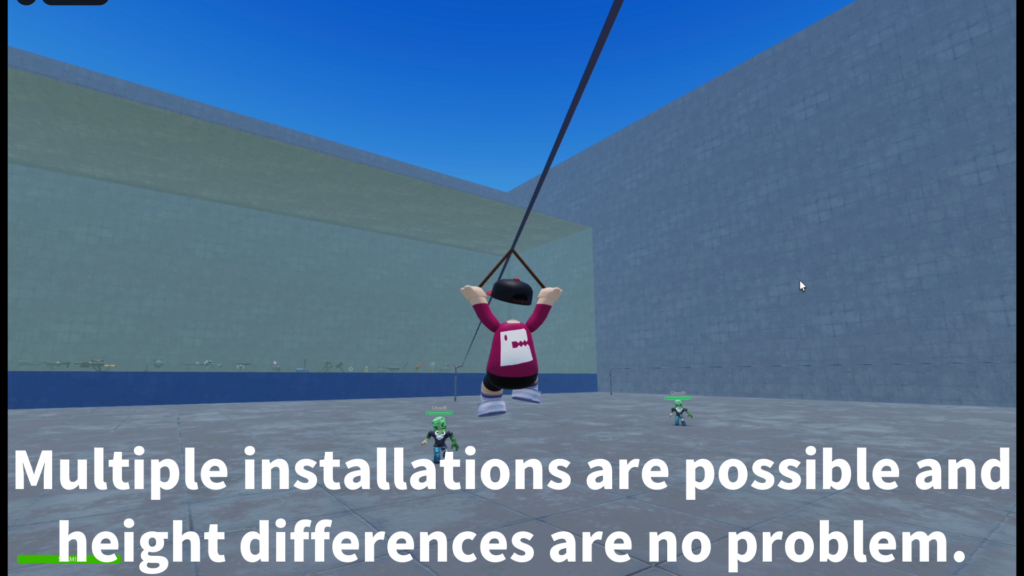
Multiple lines:
Duplicate the route structure to create
more paths around the map.
Prepare a clear landing area at the end of each
zipline so players can exit safely and continue
moving naturally after the ride.
05
Best Use Cases
Zipline System is a good fit for Roblox maps that
need an interactive movement feature, a route
shortcut, or a more memorable travel method.
- Adventure maps
- Obstacle courses
- Forest areas
- Mountain stages
- Jungle maps
- Lobby attractions
- Mini-game entrances
- Fast travel points
Recommended Use
The system works best when the zipline is placed
as a deliberate part of the map design. Give players
enough room at the start and finish, and keep each
landing area clear.
Test every route after moving or duplicating a
zipline. When using custom character styles or
animation directions, replace the included animation
with one that matches your experience.
06
Gallery & Demo
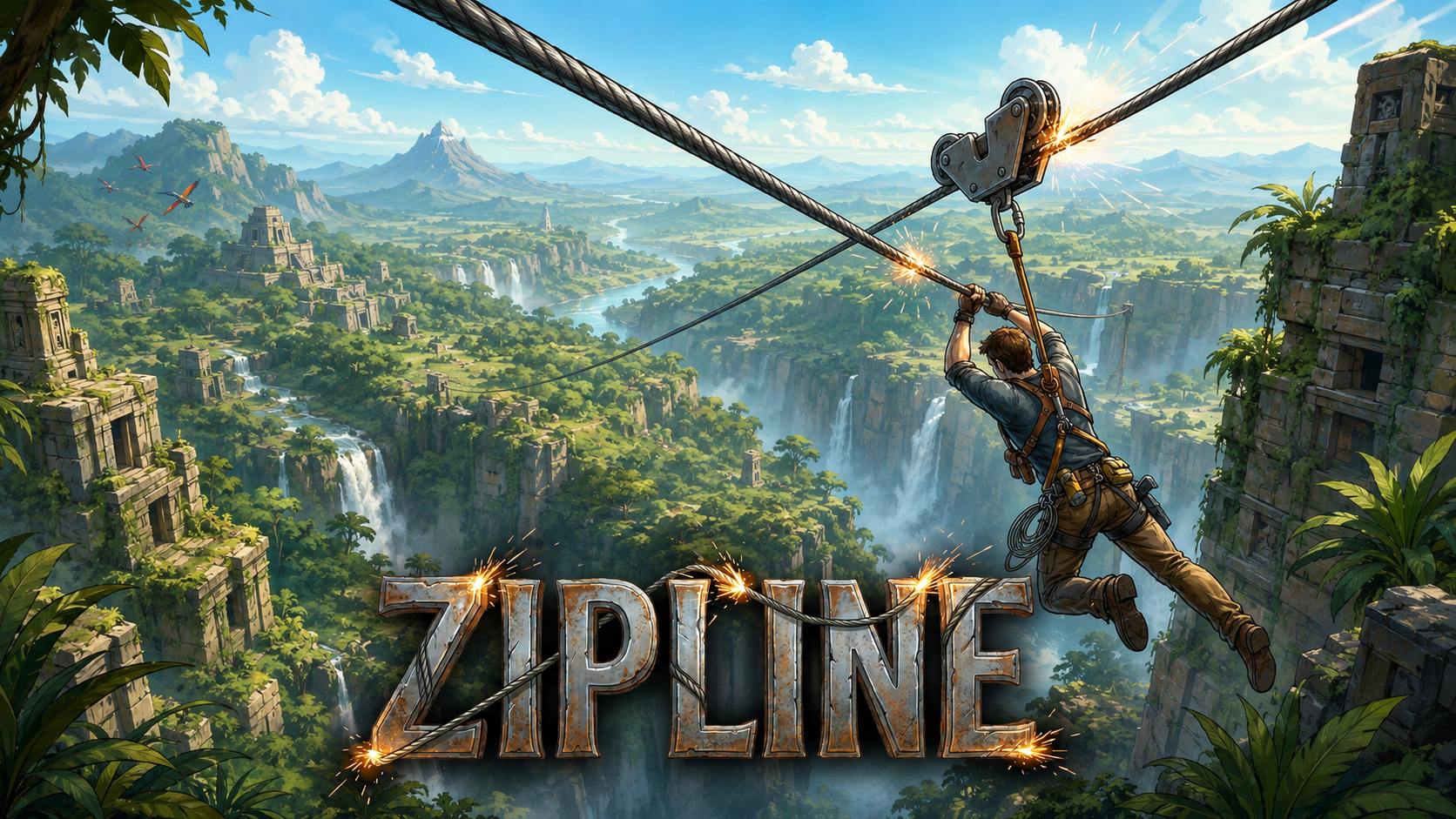
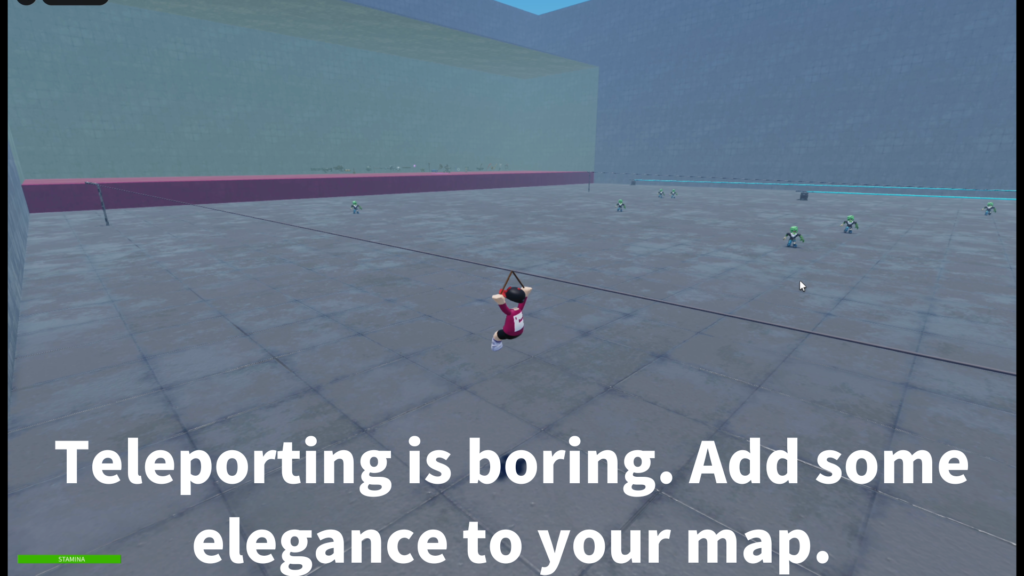
See Zipline System in action, including the starting
prompt, ride animation, point-to-point travel,
landing behavior, and multi-route map setup.
ZIPLINE SYSTEM
Turn map travel into
a playable ride.
Use Zipline System to create prompt-based rides
for adventure routes, shortcuts, obstacle areas,
lobby attractions, and interactive travel between
different parts of your Roblox map.