Disassembled Block Death Effect Laser Gun
Roblox Creator Tools / Laser Weapon Effect Tool
Atom Splitter for
Roblox creators.
Add a laser weapon with a dramatic disassembled
death effect to your Roblox experience. Atom Splitter
fires a clear beam, damages humanoid targets, and breaks
defeated characters into small block pieces that fall,
fade, and disappear with responsive sound feedback.
01
What is Atom Splitter?
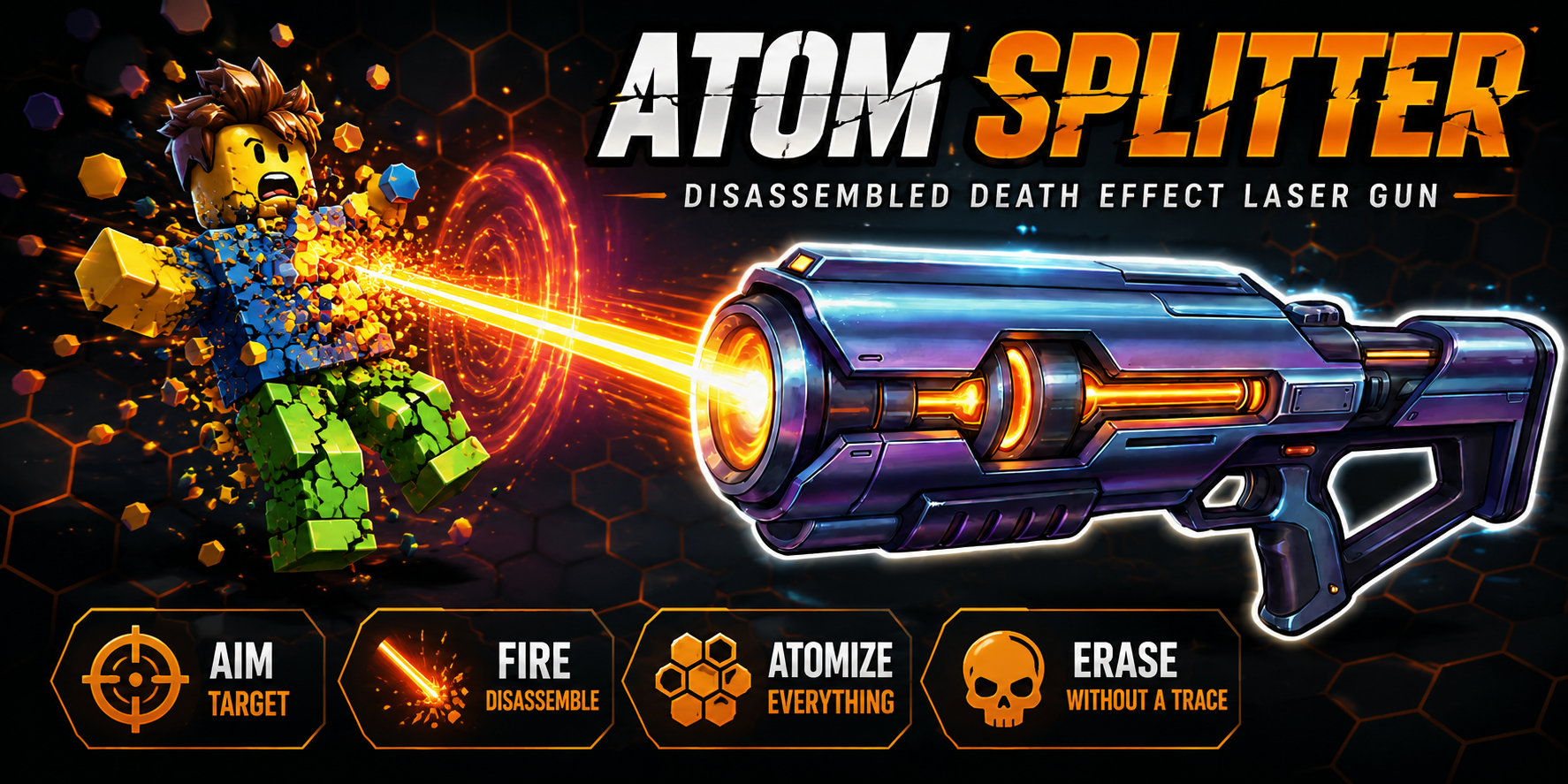
Atom Splitter is a Roblox laser gun Tool built around
a clear and satisfying defeat effect. Players equip
the Tool, click to fire a straight laser beam, and
deal damage to humanoid targets.
Its main feature is the disassembled death effect.
When a target is defeated, the character breaks into
small block pieces, collapses to the ground, fades away,
and disappears with sound.
02
Main Features
Click to fire laser
Players can equip Atom Splitter and click
to shoot a visible laser beam toward the
aimed direction.
Disassembled death effect
Defeated characters break apart into small
block pieces that fall, fade, and disappear.
Synchronized cooldown
The laser visual and damage use the same
cooldown, helping prevent confusing visual
shots while damage is unavailable.
- Laser gun Tool for Roblox
- Click-to-shoot gameplay
- Visible neon laser beam
- Humanoid damage support
- Disassembled death effect
- Block-style KO pieces
- Responsive sound effect
- Cooldown linked to damage and beam visuals
03
How It Works
When the player clicks, Atom Splitter fires a raycast
from the Tool toward the aimed direction. A thin neon
beam appears immediately to show the direction of
the shot.
If the raycast reaches a valid humanoid target,
the configured damage is applied. When that damage
defeats the target, the disassembled death effect
is triggered.
1. Fire the beam
A visible laser quickly extends from the
Barrel toward the aimed position.
2. Damage the target
Raycast detection identifies a valid
humanoid and applies the configured damage.
3. Trigger disassembly
A defeated target breaks into block pieces
that fall, fade, and disappear.
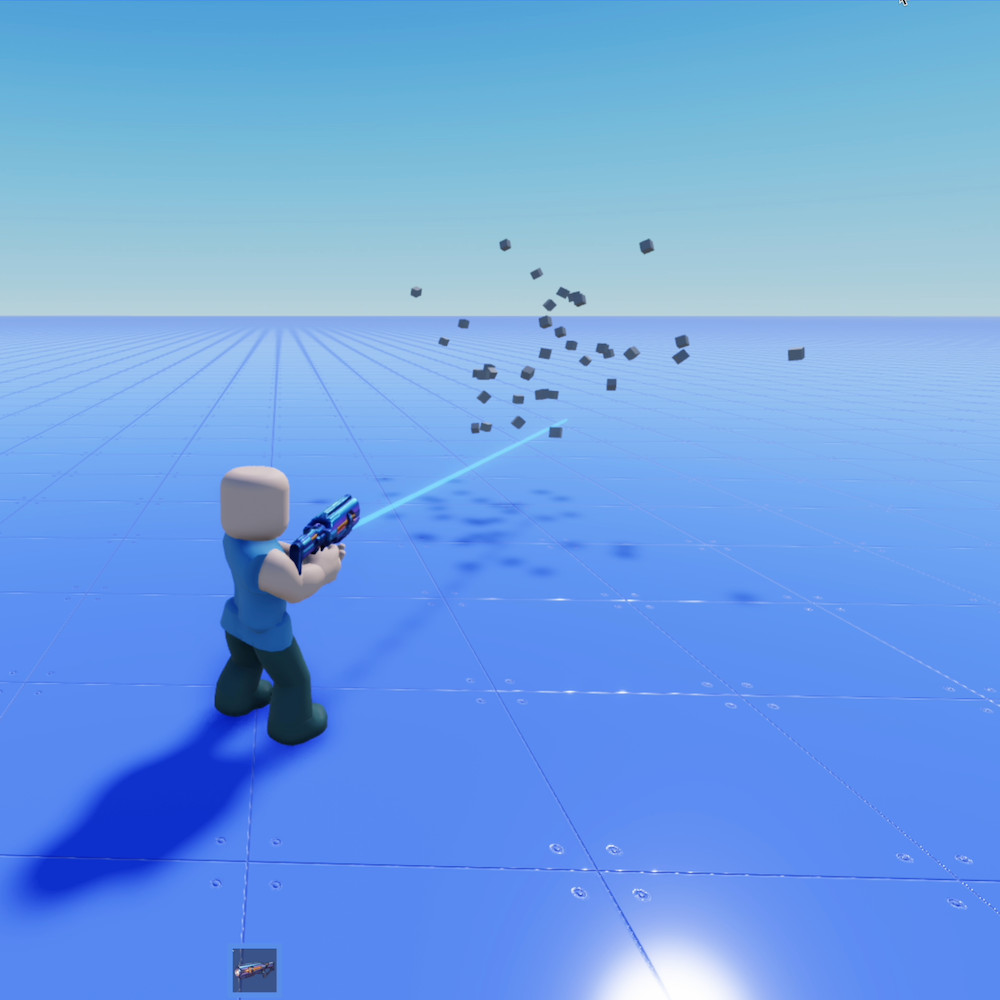
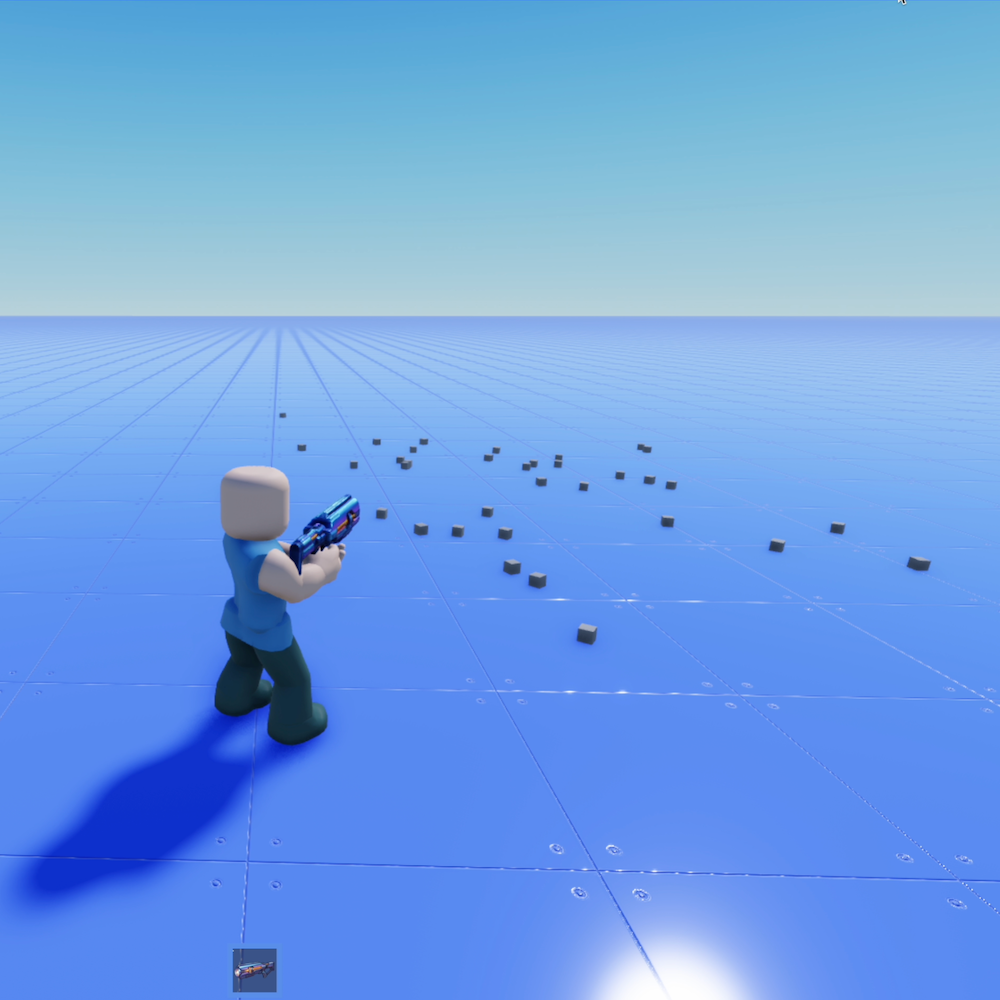
The Disassembled Death Effect
Instead of simply disappearing, the defeated target
breaks apart into small block pieces and scatters
naturally across the floor before fading out.
The defeat sound begins as the disassembly starts,
making the result feel faster and more responsive
to the player.
Laser Visual Feel
-
Clear beam:
The laser clearly shows the shot direction. -
Fast feedback:
The beam appears immediately when the player fires. -
Clean disappearance:
The beam shrinks and disappears after the shot. -
Adjustable color:
The laser color can be changed in the settings.
04
Customizable Settings
Creators can adjust the weapon and effect style
to match their own game. The main editable values
include beam color, damage, range, cooldown, sounds,
block generation, and fade timing.
-
Laser color:
Changes the visual color of the beam. -
Damage:
Controls how much damage the laser deals. -
Range:
Sets how far the raycast shot can reach. -
Cooldown:
Controls how often the player can fire. -
Fire sound:
Changes the sound played when firing. -
Defeat sound:
Changes the sound played when disassembly begins. -
Block piece count:
Controls the number of generated pieces. -
Fade timing:
Controls how long the pieces remain visible.
Easy Setup
-
Tool:
Place Atom Splitter in StarterPack or distribute
it through your own Tool system. -
Handle:
The Tool uses a Handle and Barrel attachment
as the firing origin. -
Server and local scripts:
The included scripts manage weapon behavior
and player controls. -
DeathBlockEffect module:
Generates and manages the block-style
disassembly effect.
Technical Highlights
- Raycast-based hit detection
- Team check support
- Creator tag support for defeat credit or logs
- One-time disassembly effect trigger
- Cooldown linked to visuals and damage
- Sound preloading to reduce playback delay
05
Best Use Cases
Atom Splitter is a good fit for Roblox games that
need a straightforward laser weapon with a memorable
and visually clear defeat effect.
- Battle mini-games
- Target shooting games
- NPC clearing stages
- Boss battle minions
- Party game weapons
- Action arena maps
- Effect showcase games
- Weapon template projects
Why Creators May Like It
Atom Splitter creates a simple and easy-to-understand
player interaction: click, fire the laser, hit the
target, and trigger the block-style effect when
the target is defeated.
This makes it useful as a ready-made laser gun,
a special KO effect weapon, or a starting point
for a more customized Roblox combat system.
06
Gallery & Demo
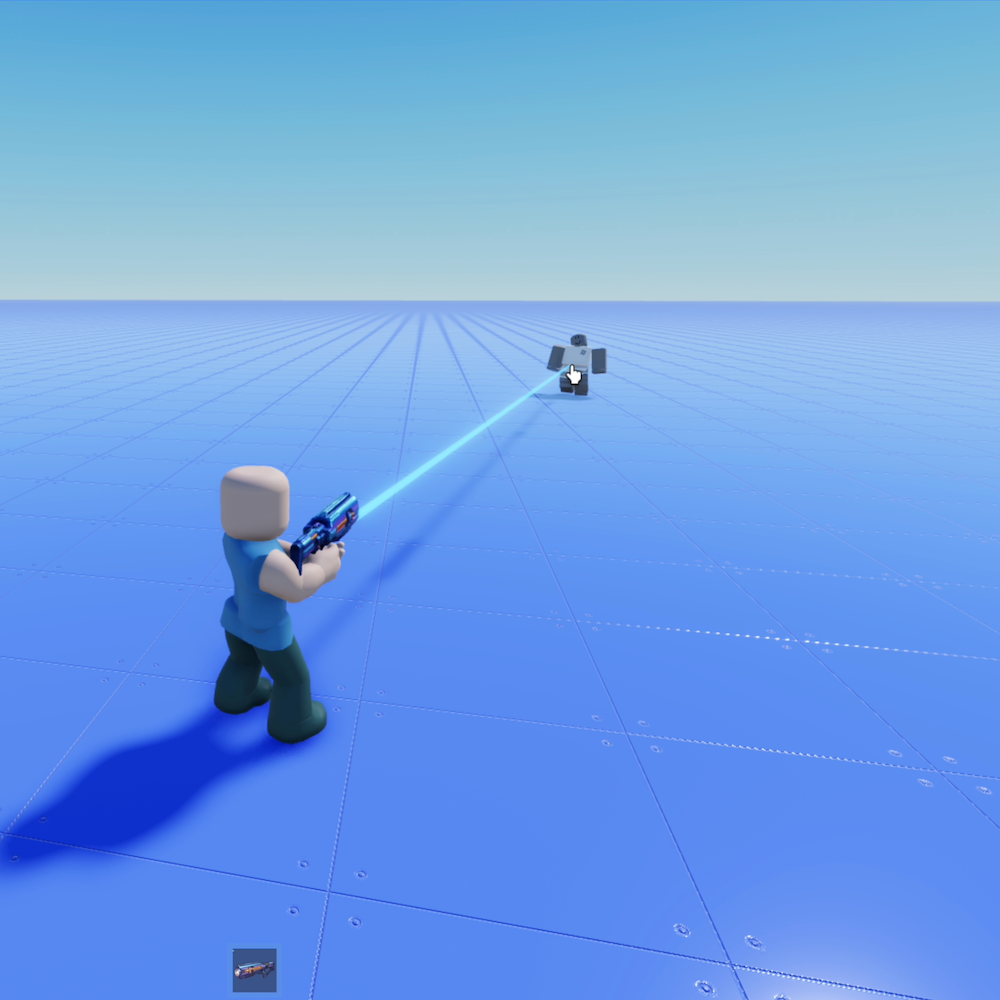
See Atom Splitter in action, including the neon
laser beam, raycast hit feedback, humanoid damage,
and the block-style disassembled death effect.
GAMEPLAY VIDEO
Watch Atom Splitter
in action.
See the click-to-fire behavior, neon beam,
raycast hit detection, defeat sound, falling
block pieces, and fade-out effect in this
gameplay demonstration.
ATOM SPLITTER
Turn every defeat into
a dramatic block breakdown.
Use Atom Splitter to give players a clear laser weapon
with synchronized shot feedback, configurable damage,
responsive sound, and a memorable disassembled
death effect.