FishingSystem
Roblox Creator Tools / Fishing System
FishingSystem for
Roblox creators.
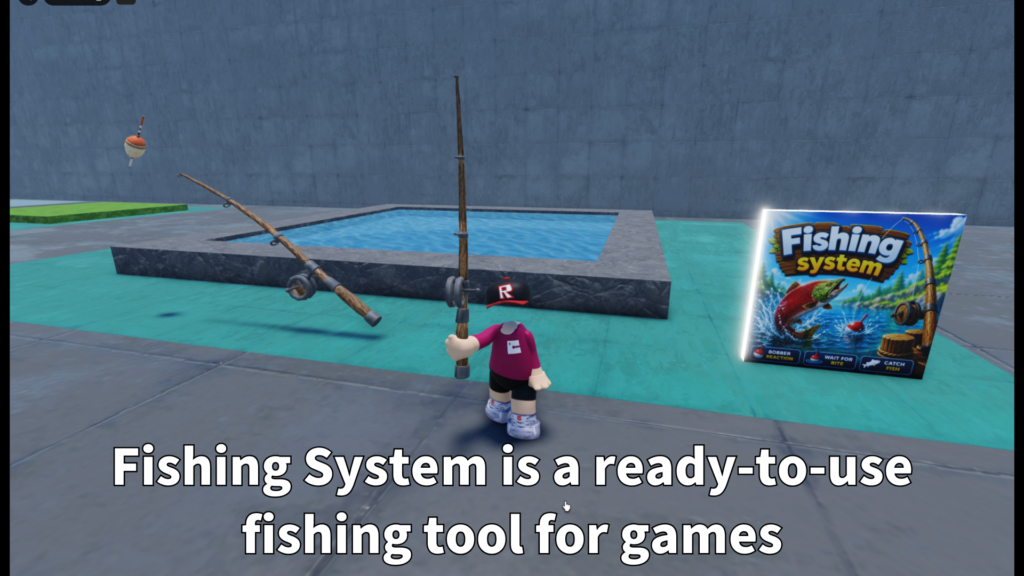
Add a fishing feature to your Roblox experience.
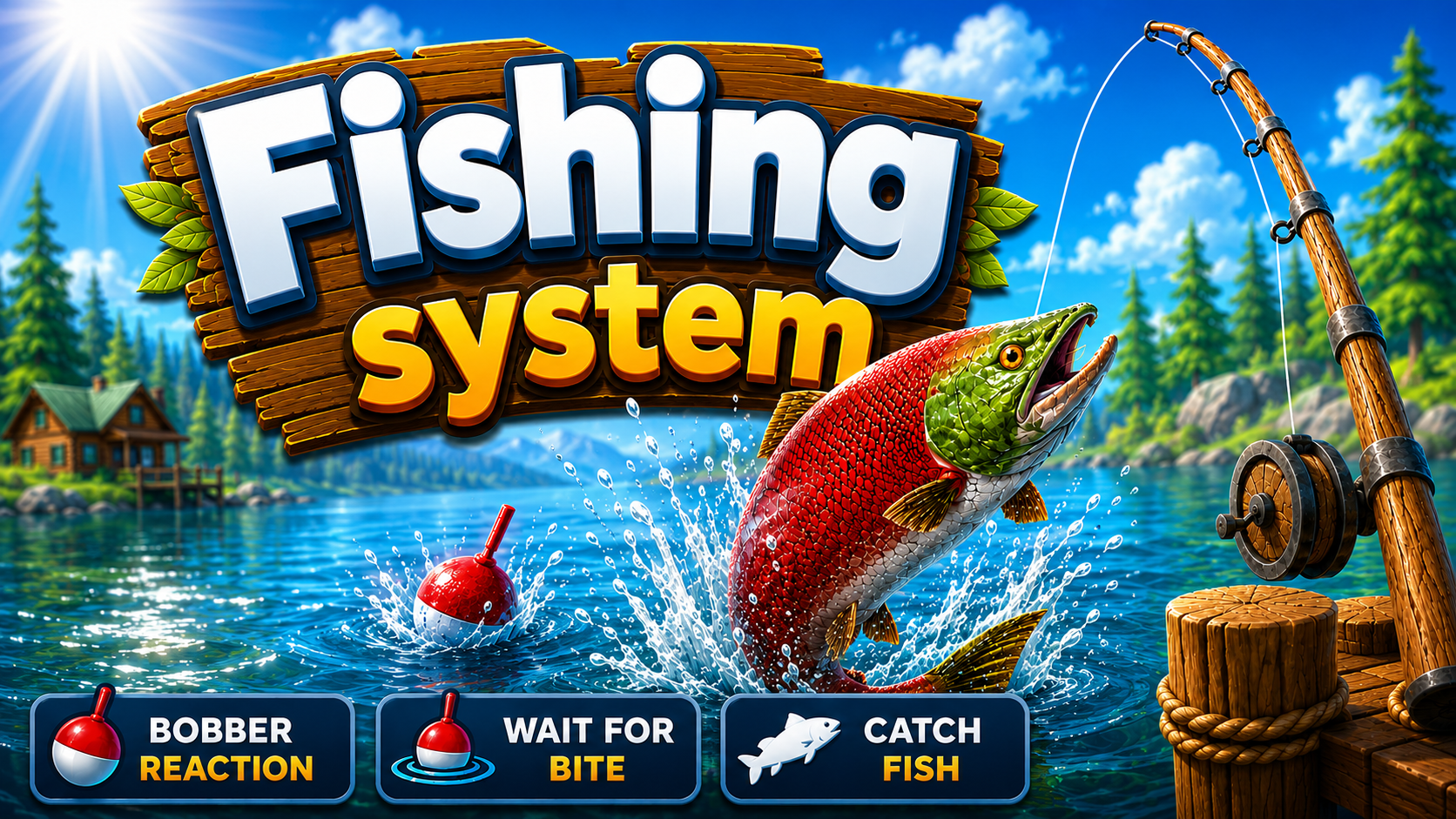
FishingSystem lets players cast a fishing rod, wait for a bite,
reel in a fish, and see the caught fish appear in the world.
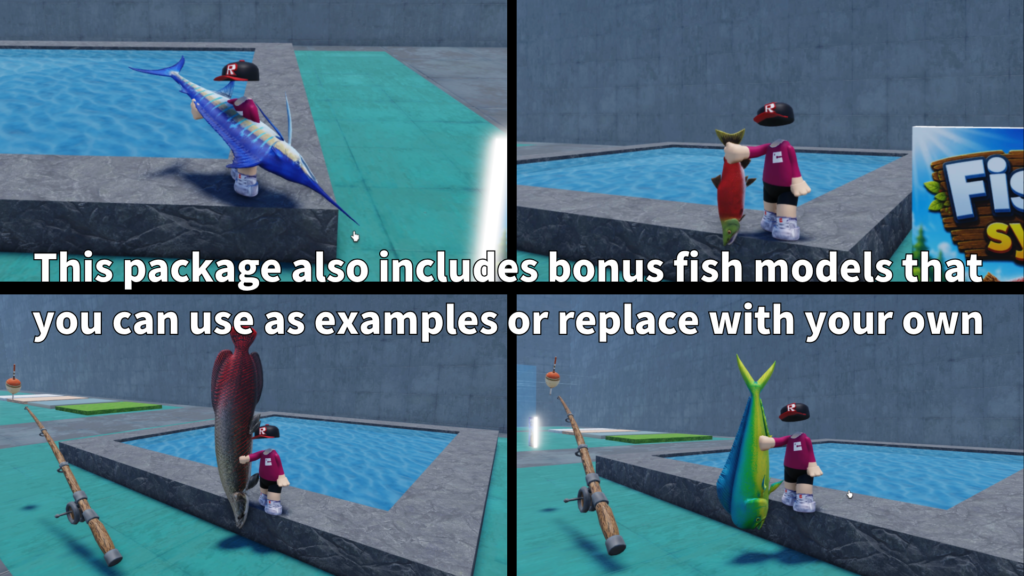
The package also includes fish models, sound support,
animation support, and customizable fish settings.
01
What is this asset?
FishingSystem is a Roblox fishing asset that lets creators add
a complete fishing flow to their games. Players can use a fishing
rod, cast toward a valid fishing area, wait for a bite, and reel
in a fish when the timing is right.
It is designed for creators who want to add relaxing side content,
collection gameplay, water-area interaction, or a simple fishing
mini-game without building everything from zero.
02
Main Features
Cast, wait, and reel
Players can cast the rod, wait for a bite, and reel in
a fish through a clear fishing flow.
Fish models included
The package includes fish models that can be used as
caught fish visuals or examples.
Custom fish settings
Fish can use settings such as name, weight, rarity,
bite timing, shake behavior, and chance weight.
- Fishing rod Tool system
- Cast animation support
- Wait animation support
- Reel animation support
- Splash sound support
- Idle water sound support
- Caught fish sound support
- Fish model folder support
- Custom fish rarity and weight
- Caught fish drop and flop behavior
03
Fishing flow
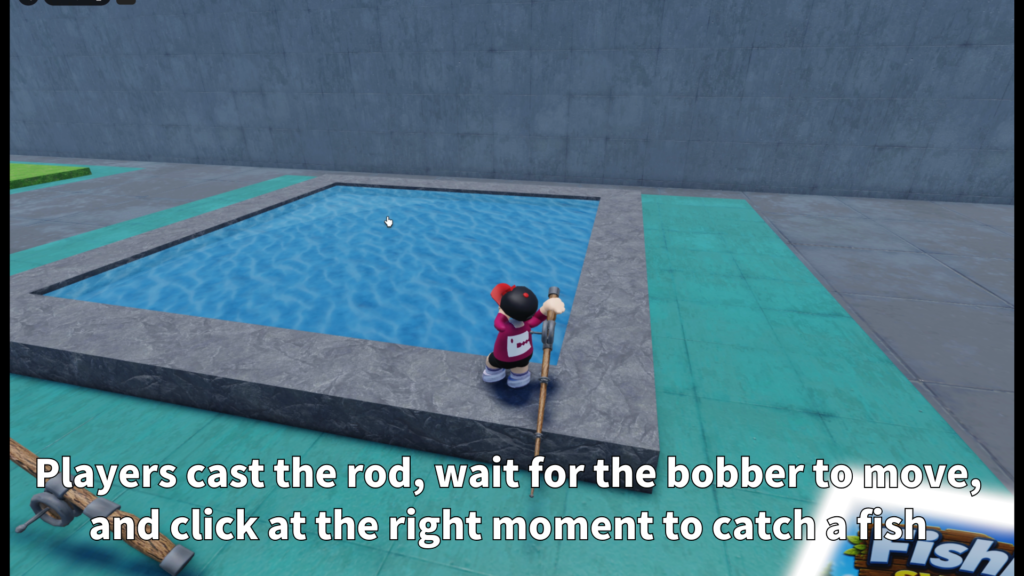
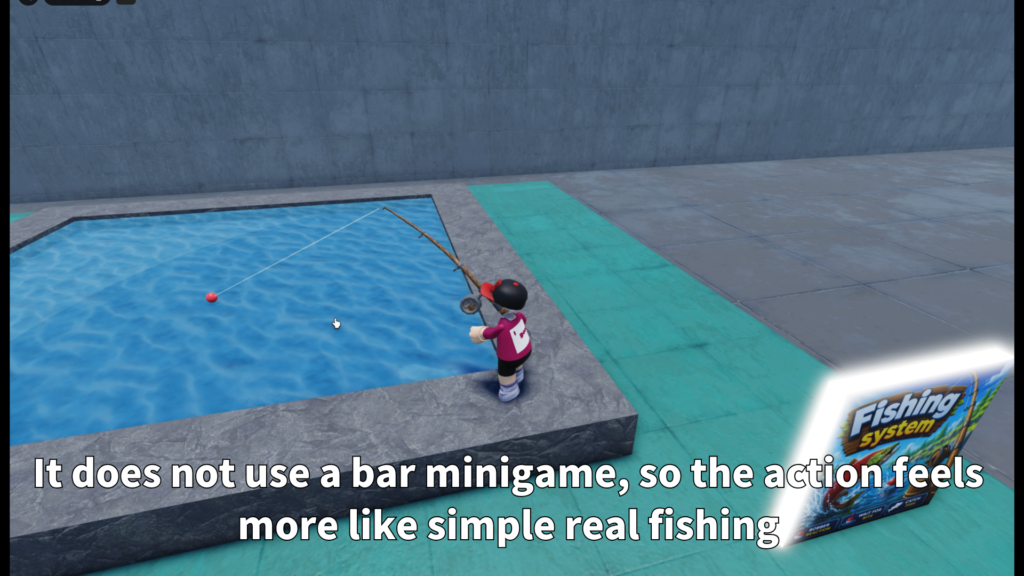
The player equips the fishing rod, casts toward a valid fishing
area, and waits. When a bite happens, the system can shake the
bobber and move into the reel moment.
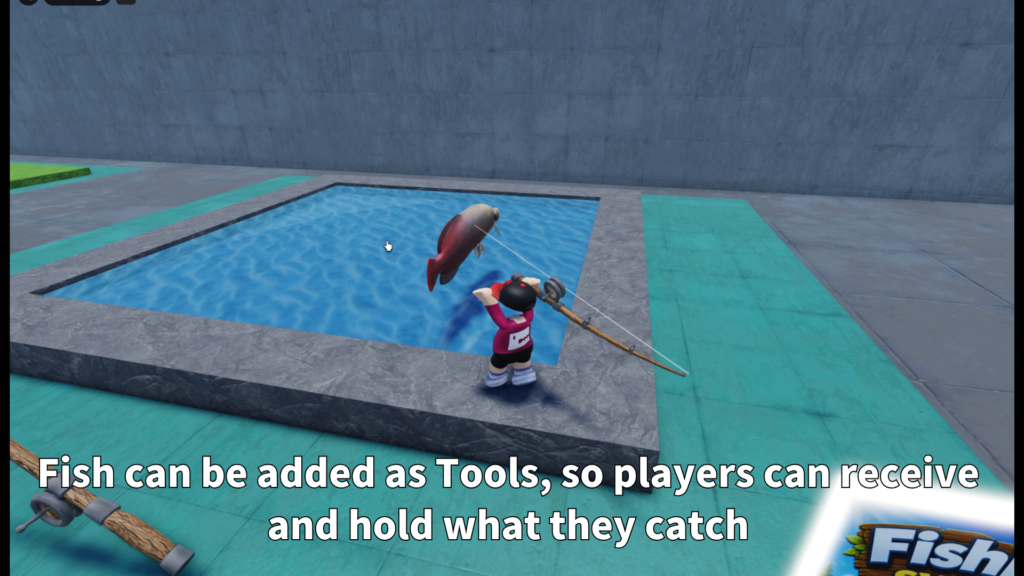
If the catch succeeds, the fish appears and drops into the world.
This makes the fishing result feel more physical and visible,
instead of only showing a text result.
-
Cast
The player casts the fishing rod toward a valid fishing area. -
Wait
The player waits for a bite while the system handles timing. -
Bite
The bobber can shake when a fish reacts. -
Reel
The player reels in the catch and sees the fish appear.
04
Fishing areas and fish settings
FishingSystem can be used with prepared fishing parts and can
also support Roblox Terrain water. This gives creators flexibility
when building ponds, rivers, oceans, docks, or custom fishing spots.
The system is also designed so creators can prepare different fish
models and give each fish its own settings. This makes it easier
to create common fish, rare fish, heavier fish, or special catches.
-
FishingPart support
Use prepared parts as valid fishing areas. -
Terrain water support
Use Roblox Terrain water as a fishing area when enabled. -
Cast distance settings
Control how far players can cast. -
Raycast-based placement
Helps place the bobber on a valid fishing surface. -
FishName
Name used for the fish type. -
FishWeight
Weight value for the fish. -
FishRarity
Rarity value for the fish. -
ChanceWeight
Controls how often the fish may be selected.
05
Customizable settings
Creators can adjust the fishing system to match their own game.
The main settings include fishing area behavior, cast distance,
bobber placement, bite timing, reel timing, fish selection,
and caught fish presentation.
-
FishingPartName
Name of the part used as a valid fishing area. -
AllowFishingPart
Enable or disable prepared fishing parts. -
AllowTerrainWater
Enable or disable Terrain water fishing. -
MaxCastDistance
Control the maximum casting distance. -
DefaultForwardCastDistance
Used when no clear target is found. -
Bite delay values
Control how quickly fish can bite. -
Fish selection values
Control rarity and selection chance. -
Caught fish cleanup
Control how long caught fish visuals remain.
06
Gallery & Demo
See FishingSystem in action with casting, bite timing,
reeling, fishing areas, caught fish visuals, and the general
fishing gameplay flow.
GAMEPLAY VIDEO
Watch the fishing
in action.
See the casting flow, bite timing, reeling moment,
caught fish visuals, and general fishing gameplay
in this short demonstration.
07
Animation and sound support
Fishing feels better when the action has clear feedback.
FishingSystem supports animations and sounds for the main parts
of the fishing flow.
-
CastAnimation
Used when the player casts the rod. -
WaitAnimation
Used while waiting for a bite. -
ReelAnimation
Used when reeling in the catch. -
SplashSound
Used when the bobber enters the water. -
IdleWaterSound
Used while waiting near the fishing point. -
CaughtSound
Used when the player catches a fish.
08
Caught fish presentation
When a fish is caught, the fish model can appear in the world,
drop forward, and move with a small flop-style behavior before
disappearing.
This helps the catch feel more physical and visible.
It is useful for players because they can clearly see what they
caught instead of only receiving a simple text result.
09
Best use cases
FishingSystem is a good fit for Roblox games that need relaxing
gameplay, collection features, or water-area interaction.
- Fishing mini-games
- RPG side activities
- Island games
- Camping maps
- Ocean or lake worlds
- Collection games
- Relaxing lobby activities
- Adventure maps with water areas
10
Why creators may like it
FishingSystem gives creators a ready-made fishing base with a
clear player flow. Players can cast, wait, reel, and see the
caught fish appear, while creators can adjust fish data, sounds,
animations, and fishing area behavior.
The included fish models make it easier to start testing right
away, and the FishConfig structure gives creators room to add
more fish later.
FISHINGSYSTEM
Add fishing gameplay
to your Roblox world.
FishingSystem is available on the Roblox Creator Store.
Use it to add casting, bite timing, reeling, fish models,
caught fish visuals, sound support, animation support,
and customizable fish settings to your Roblox experience.