Combat Moveset for Roblox | Combo Fighting System
Roblox Creator Tools / Tool-Free Fighting System
Combat Moveset
Combo Fighting System.
Bring fast and clear hand-to-hand combat to your Roblox
experience. Combat Moveset adds punch combos, kick combos,
charged attacks, guard, knockback, camera shake, sounds,
and custom visual effects without requiring players to equip
a Tool.
01
What is this asset?
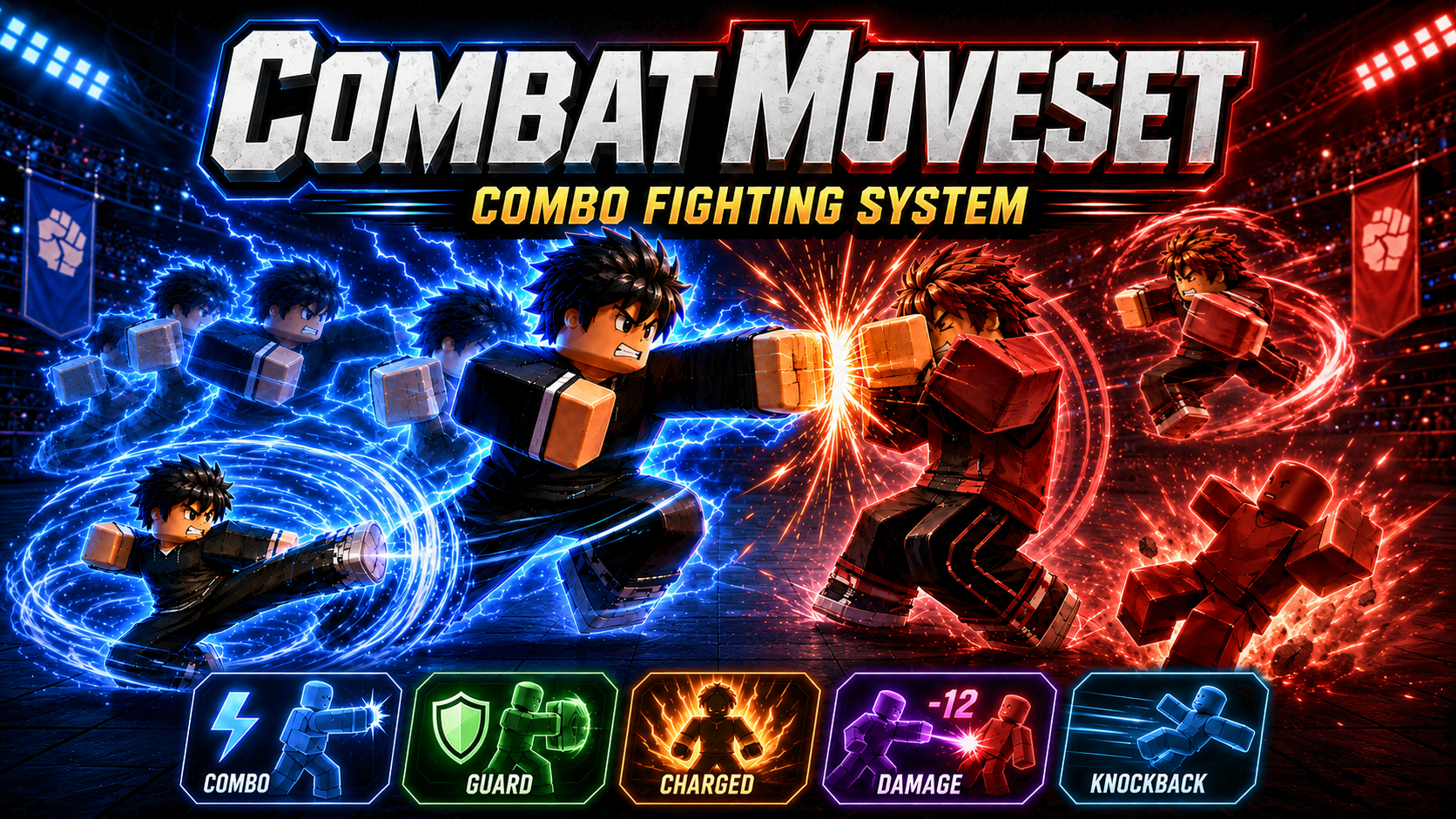
Combat Moveset is a close-range fighting system for Roblox
creators. It lets players fight directly with player input
instead of holding a weapon Tool, making combat feel simple,
direct, and easy to use during normal gameplay.
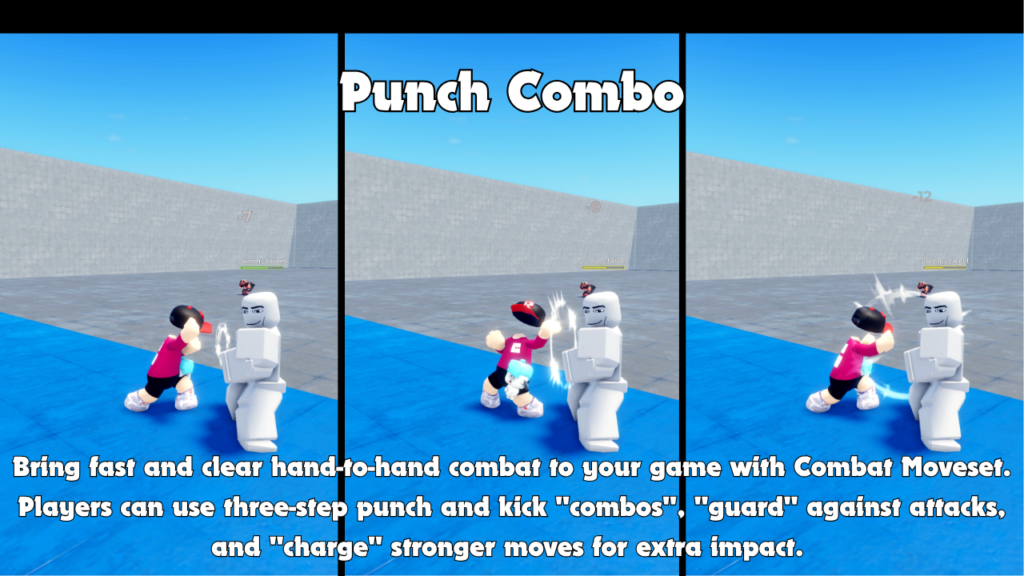
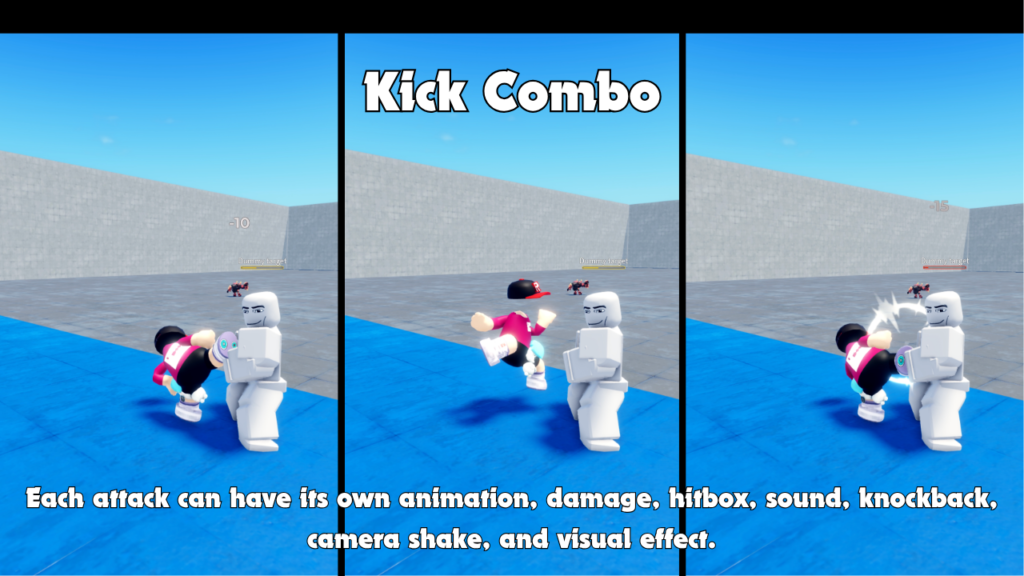
Players can perform punch and kick combos, charge stronger
attacks, guard against incoming hits, and finish attacks with
knockback, hit sounds, camera shake, and custom visual effects.
02
Main Features
Three-step combos
Players can use punch and kick combo strings with
stronger finishing attacks.
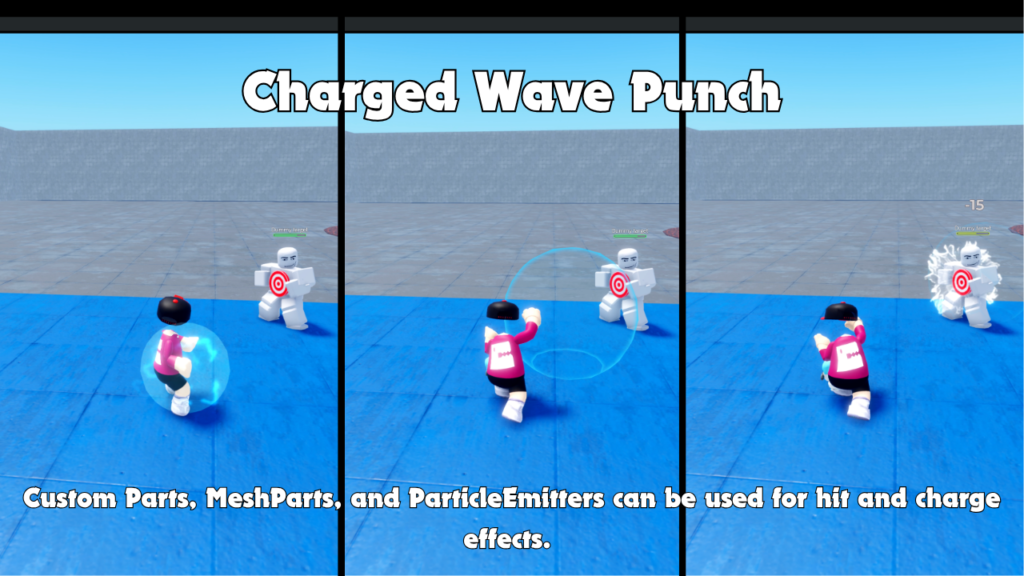
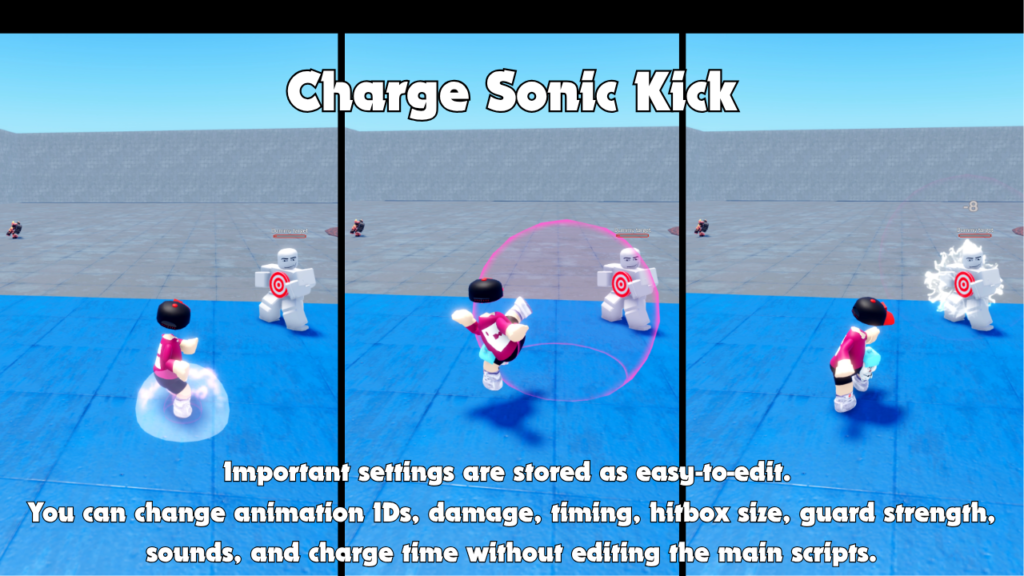
Charged attacks
Holding an attack input can charge a stronger punch
or kick with extra impact.
Guard system
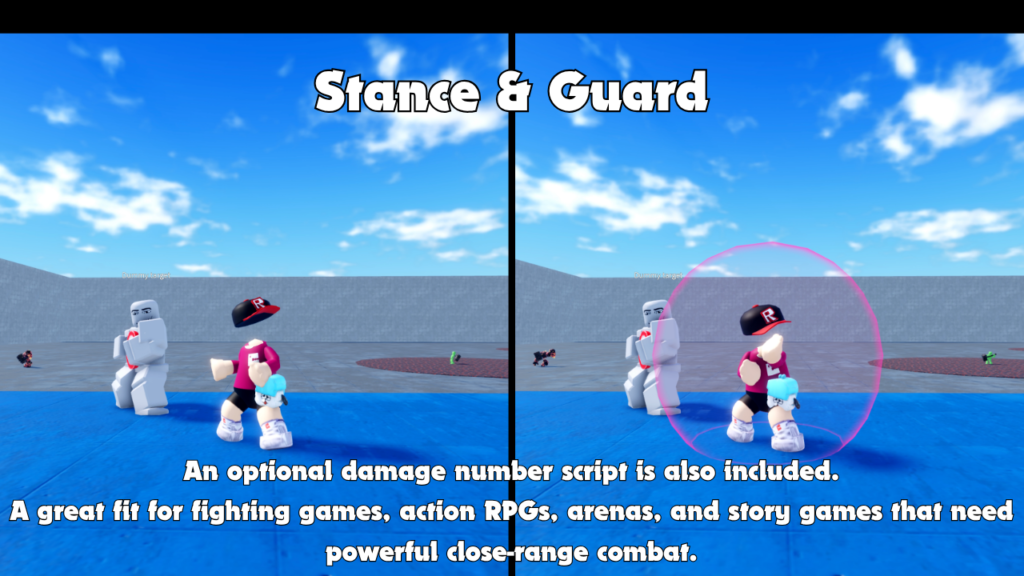
Players can guard against attacks from the front with
reduced damage and knockback.
- Three-step punch combo
- Three-step kick combo
- Charged punch attack
- Charged kick attack
- Timed guard system
- Direction-based guard detection
- Server-controlled hitboxes and damage
- Adjustable horizontal and vertical knockback
- Camera shake on hits and while charging
- Custom action and hit sounds
- Custom Part, MeshPart, and ParticleEmitter effects
- PC, mobile, and gamepad controls
- Optional floating damage numbers
- Buyer-editable Value settings
03
How combat works
This system does not use a Tool. Combat controls are available
directly through player input, allowing players to fight without
equipping an item.
This makes the system useful for fighting games, action RPGs,
arenas, story games, and close-range battle experiences where
combat should feel quick and direct.
-
Punch Combo
Punch 1 → Uppercut → Punch Finisher. -
Kick Combo
Kick 1 → Roundhouse Kick → Kick Finisher. -
ComboInputWindow
Controls how long players have to continue a combo. -
Finisher knockback
Final combo attacks can use stronger knockback by default.
04
Default controls
Combat Moveset includes simple default controls for PC, while
also supporting mobile and gamepad players.
DESKTOP
Left Click
Press and release quickly to perform a punch.
Hold and release after charging to perform a charged punch.
DESKTOP
F Key
Press and release quickly to perform a kick.
Hold and release after charging to perform a charged kick.
DESKTOP
Right Click Tap
Performs a normal kick while keeping right-click camera
dragging separate from short-tap kick input.
DESKTOP
E Key
Activates guard for a limited amount of time.
DESKTOP
Q Key
Enables or disables combat mode when combat mode toggling
is allowed in Settings.
DEVICE SUPPORT
Mobile & Gamepad
The system supports PC, mobile, and gamepad controls,
making it easier to use across different player devices.
05
Customizable settings
Important settings are stored as easy-to-edit Value objects.
Creators can change animation IDs, damage, timing, hitbox size,
guard strength, sounds, charge time, camera shake, and effect
behavior without rewriting the main scripts.
-
General settings
Combat mode, combo timing, charge movement, camera shake,
sounds, and debug hitboxes. -
Action settings
Animation ID, attack duration, hit ratio, damage, sounds,
hitbox size, and knockback. -
Charged attack settings
Charge threshold, ready sound, moving hitbox path,
and active time. -
Guard settings
Guard duration, cooldown, damage reduction, knockback
reduction, shield visuals, and sounds. -
Effect settings
Hit effects, charge effects, release effects, scale,
lifetime, and enable switches. -
Debug settings
Temporary visible hitboxes for testing attack range.
06
Gallery & Demo
See Combat Moveset in action with punch combos, kick combos,
charged attacks, guard behavior, visual feedback, and close-range
fighting flow.
GAMEPLAY VIDEO
Watch the combat
in action.
See punch and kick combos, charged attacks, guard,
hit feedback, and the general close-range combat flow
in this short demonstration.
07
Charged attacks and guard
Players can hold punch or kick input to charge a stronger
attack. Releasing before the charge threshold performs a normal
attack, while releasing after the threshold performs a charged
attack.
Guarding gives players a defensive option. A successful front
guard reduces incoming damage and knockback, while attacks from
behind are not protected.
- Charge threshold timing
- Charge effect while holding
- Charge ready burst effect
- Release effect when fired
- Hit effect on successful impact
- Stronger charged damage
- Timed guard duration
- Direction-based guard detection
08
Server-controlled combat
Damage, guard validation, attack validation, hit detection,
and knockback remain controlled by the server.
Hit effects are generated locally for responsive visual timing.
This design helps combat feel responsive while keeping important
gameplay checks on the server side.
- Server-controlled damage
- Server-controlled hitboxes
- Server-side guard validation
- Server-side attack validation
- Server-applied knockback
- Local hit effect timing
09
Custom effects
Effect templates are stored inside ReplicatedStorage under
MartialCombatSystem > Effects. Each attack can have its own
effect folder, making it easy to give different moves their own
look.
-
Normal attacks
Can use HitEffect. -
Charged attacks
Can use ChargeEffect, ChargeReadyBurst, ReleaseEffect,
and HitEffect. -
Template types
Effects can use Part, MeshPart, UnionOperation,
or another BasePart type. -
Supported children
Attachments, ParticleEmitters, Beams, Trails, Lights,
and SpecialMesh can be used.
10
Best use cases
Combat Moveset is a good fit for Roblox games that need direct,
close-range fighting without forcing players to equip a weapon Tool.
- Fighting games
- Action RPG projects
- Arena battle games
- Story combat games
- Martial arts games
- Training arenas
- Boss battle maps
- Anime-style action games
- Close-range PvE combat
- Player combat test maps
COMBAT MOVESET
Add combo fighting
to your Roblox game.
Combat Moveset - Combo Fighting System is available on the
Roblox Creator Store. Use it to add punch combos, kick combos,
charged attacks, guard, server-controlled hitboxes, knockback,
camera shake, custom effects, sounds, mobile controls,
gamepad support, and optional damage numbers to your experience.