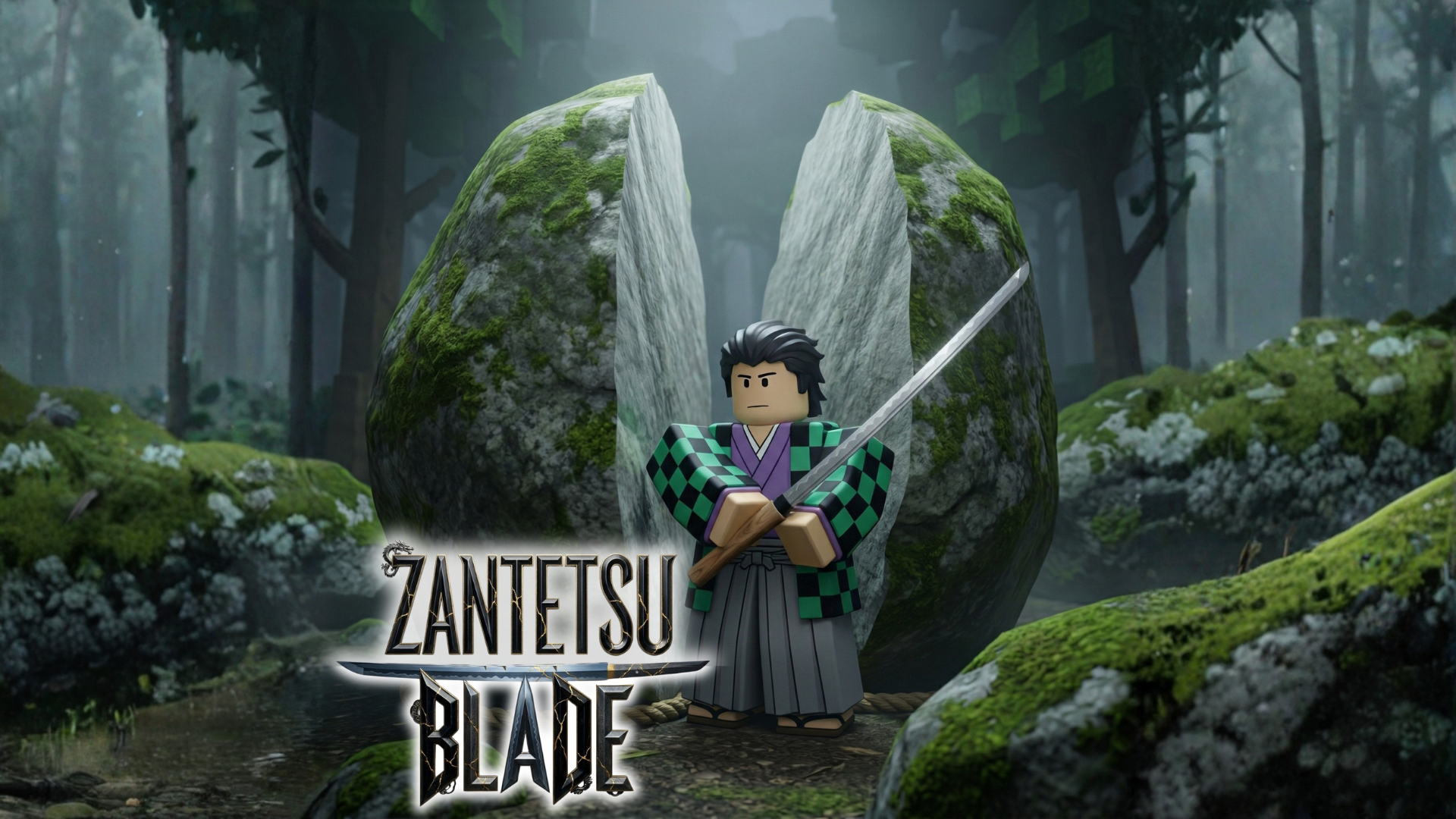
ZantetsuBlade
Roblox Creator Tools / Cutting Sword System
ZantetsuBlade for
Roblox creators.
Add a gameplay cutting sword to your Roblox experience.
ZantetsuBlade lets players slash and cut supported
targets using selectable cut modes, Cuttable tag setup,
and an optional restore version for objects that should
return after a short delay.
01
What is ZantetsuBlade?
ZantetsuBlade is a Roblox sword Tool designed for
gameplay cutting. Players can slash supported objects
and cut prepared targets inside your experience.
This asset works best when cutting is treated as a
designed gameplay feature. Instead of expecting every
object in the map to be sliced automatically, creators
can prepare special cuttable Parts for stable and
reliable gameplay.
Important support note
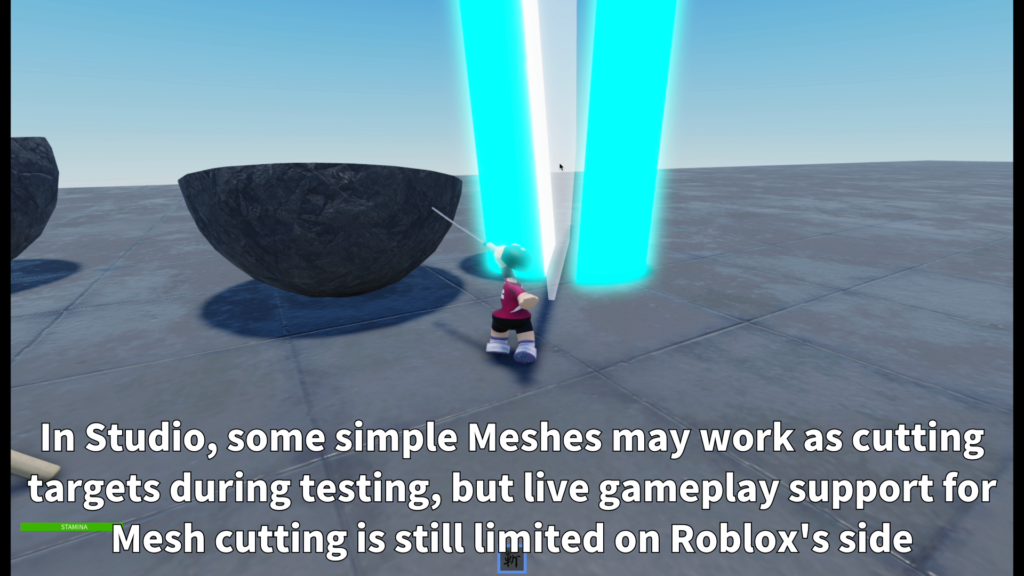
In published games, this asset should currently
be used mainly as a Part cutting system. Some
simple MeshParts may be useful for Studio-side
testing, but live gameplay Mesh cutting is still
limited on Roblox's side.
02
Main Features
Cut supported Parts
Prepare objects with the Cuttable tag and let
players slice them during gameplay.
Choose cut styles
Select vertical, horizontal, alternating,
or random cut modes to match the intended
gameplay feel.
Optional restore version
Use the restore version when cut Parts should
return automatically after a short delay.
- Sword Tool for Roblox gameplay
- Supports Part targets in live gameplay
- Cuttable tag-based setup
- Standard version for normal cutting
- Restore version for auto-return objects
- Simple CutMode setting
- Limited MeshPart testing in Studio
- Designed for prepared destructible objects
03
How It Works
The recommended setup is to insert ZantetsuBlade into
StarterPack. Creators can then prepare supported targets
by adding the Cuttable tag to each object that should
respond to the sword.
Objects without the Cuttable tag are not treated as
valid cutting targets. This allows creators to control
exactly which parts of the experience can be sliced.
-
Best setup:
A single Part with the Cuttable tag. -
Studio testing:
A simple single MeshPart with the Cuttable tag. -
Limited option:
A simple Model with the Cuttable tag when prepared
for this system. -
Recommended approach:
Create special objects specifically for cutting.
For the most stable published-game results, begin with
simple Part targets. Mesh cutting should be treated as
limited Studio-side testing rather than a guarantee that
every Mesh will work during live gameplay.
04
Customizable Settings
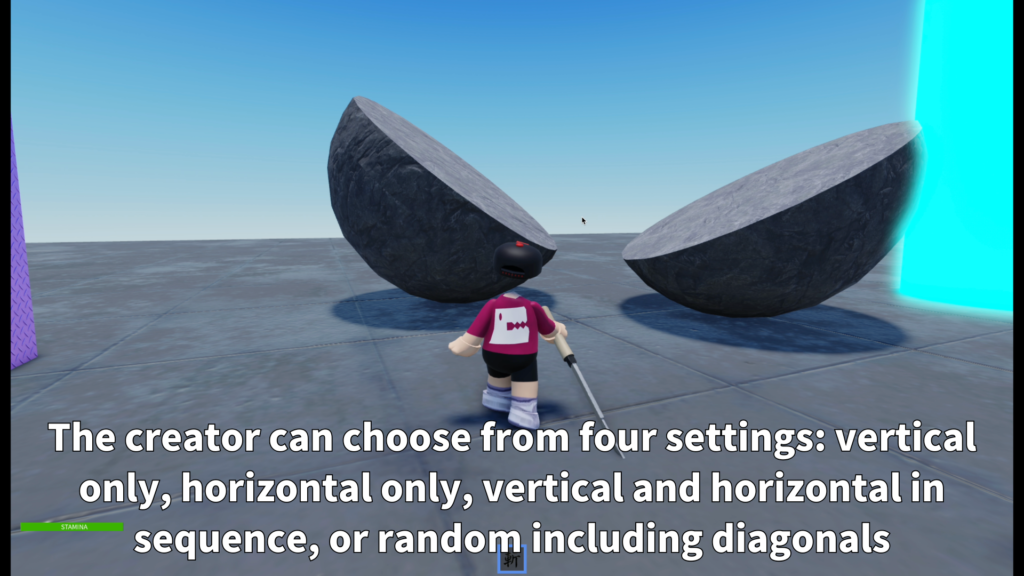
ZantetsuBlade lets creators select the cutting direction
from the CutMode setting. The package also includes a
restore version for maps where cut Parts should return
automatically.
Cut Modes
-
VerticalOnly:
Always uses a vertical cut. -
HorizontalOnly:
Always uses a horizontal cut. -
AlternateVH:
Alternates between vertical and horizontal cuts. -
Random3:
Randomly uses vertical, horizontal, or
45-degree cuts.
Restore Version
To use the restore behavior, add the ZB_Resettable tag
to a cuttable object. You can also add a Number Attribute
named ZB_ResetDelay to control how many seconds it takes
before the object returns.
-
Cuttable:
Required tag for valid cutting targets. -
ZB_Resettable:
Used by the restore version to make objects return. -
ZB_ResetDelay:
Optional Number Attribute that controls the
return delay. -
Example:
ZB_ResetDelay = 10 returns the object after
10 seconds.
05
Best Use Cases
ZantetsuBlade is a good fit for Roblox experiences where
cutting is part of the designed gameplay. It is especially
useful when creators prepare specific destructible objects
for players to slash.
- Sword action games
- Training areas
- Destructible obstacle rooms
- Boss arena objects
- Slash-based challenge maps
- Anime-style combat experiences
- Interactive showcase maps
- Objects that restore after being cut
06
Gallery & Demo
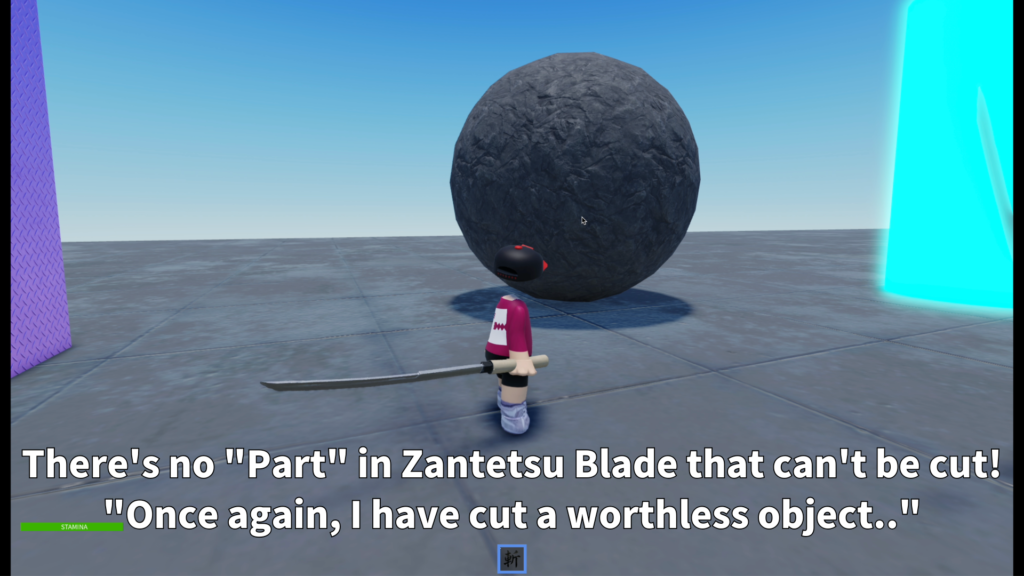
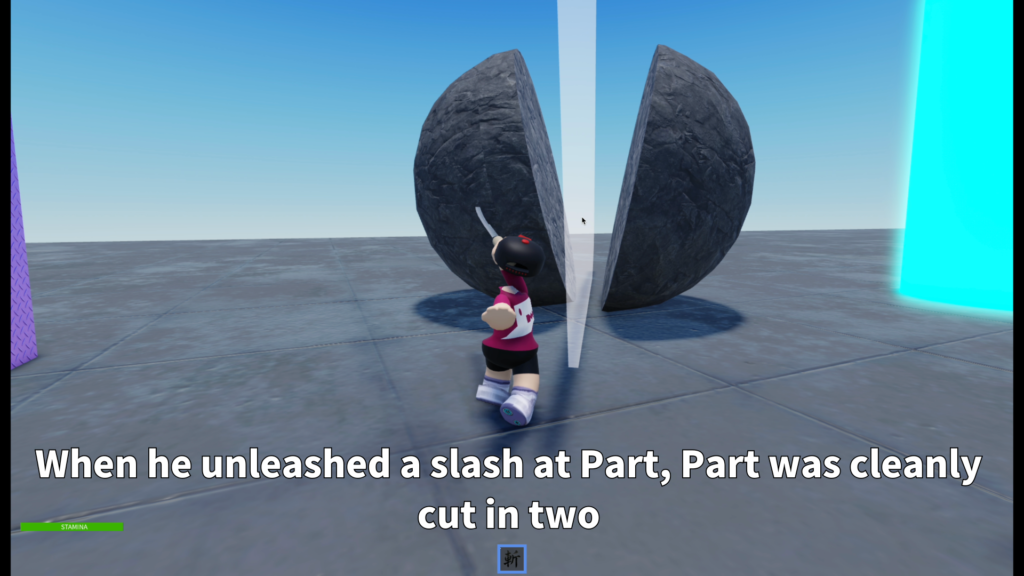
See ZantetsuBlade cutting prepared Part targets,
using different cutting directions, and testing
limited MeshPart targets inside Roblox Studio.
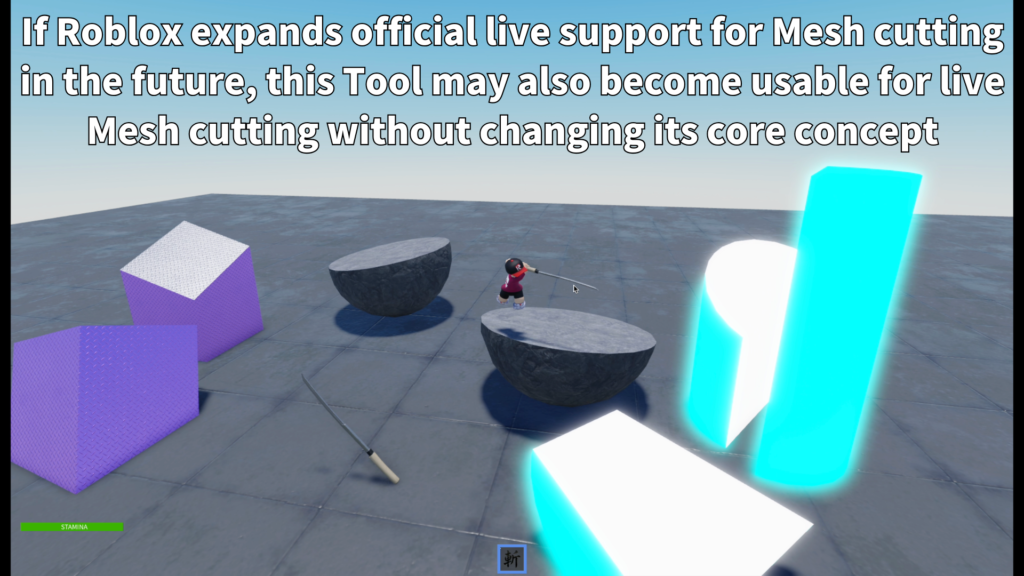
GAMEPLAY VIDEO
Watch ZantetsuBlade
in action.
See the sword animation, Part cutting,
selectable cut directions, prepared targets,
and current MeshPart testing limitations
in this demonstration.
ZANTETSUBLADE
Add slashable objects to
your Roblox game.
Use ZantetsuBlade to create sword-based cutting gameplay
with prepared Part targets, selectable cut modes,
Cuttable tag setup, and optional object restoration.