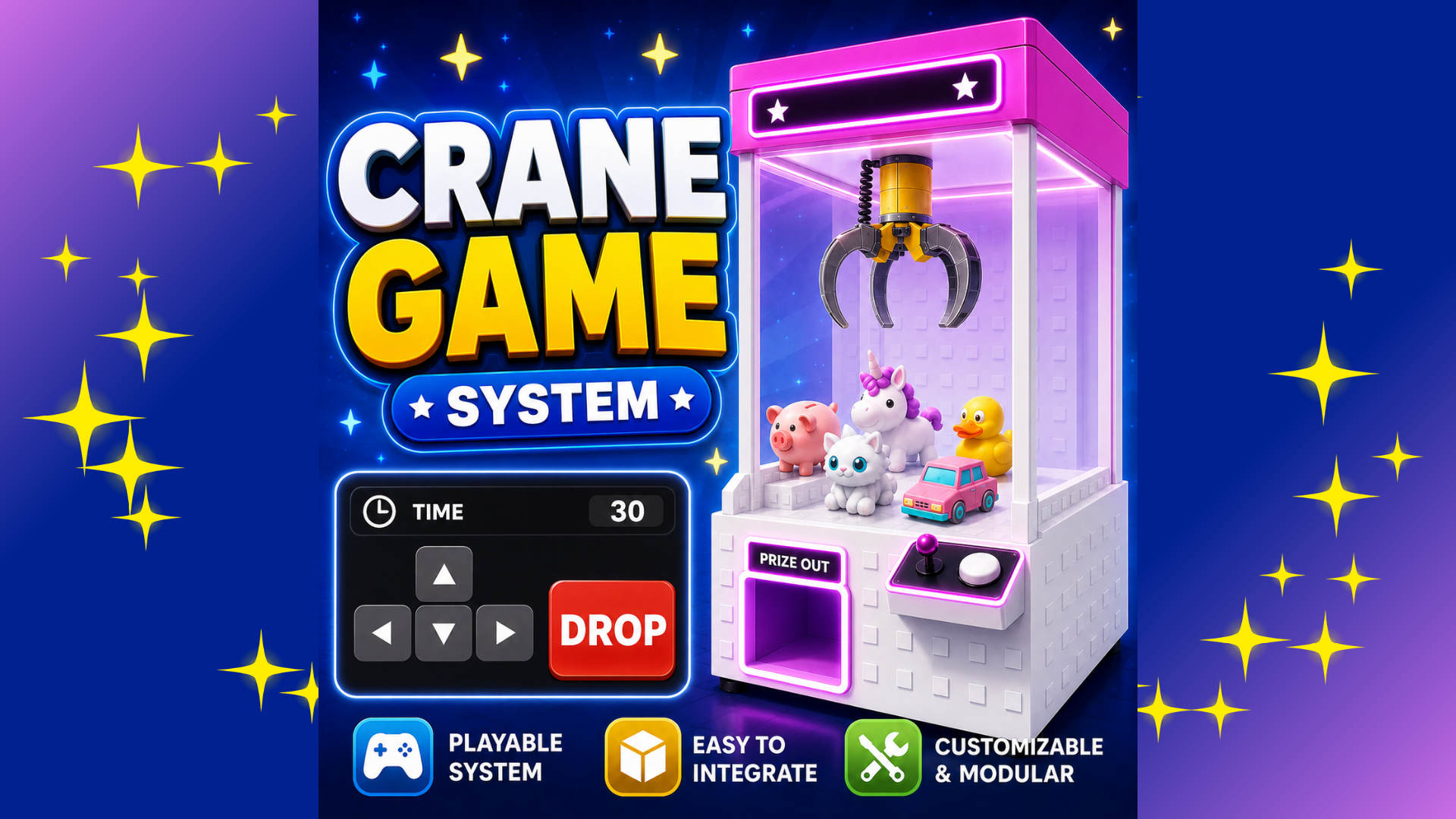
Crane Game System
Roblox Creator Tools / Prize Machine System
Crane Game System for
Roblox creators.
Add a playable crane game or claw machine system
to your Roblox experience. Players can start the machine,
move the claw, press DROP, try to win a prize,
and collect a Tool reward from the exit prompt.
01
What is Crane Game System?
Crane Game System is a Roblox prize machine asset
that lets players control a claw, drop it, and collect
prizes inside your game.
It is designed for arcade areas, shopping maps,
event lobbies, roleplay locations, and reward-based
experiences.
The system is mainly designed to provide Tool rewards.
When a player wins, the visible prize can be collected
and the matching Tool is given to the player.
02
Main Features
Playable crane machine
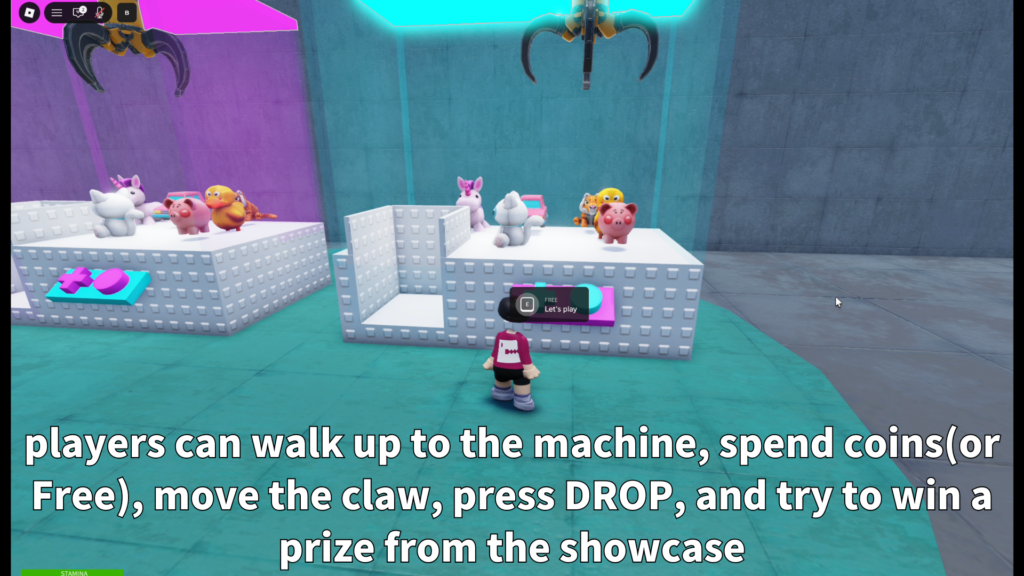
Players can start the machine, move the claw,
press DROP, and try to win a visible prize.
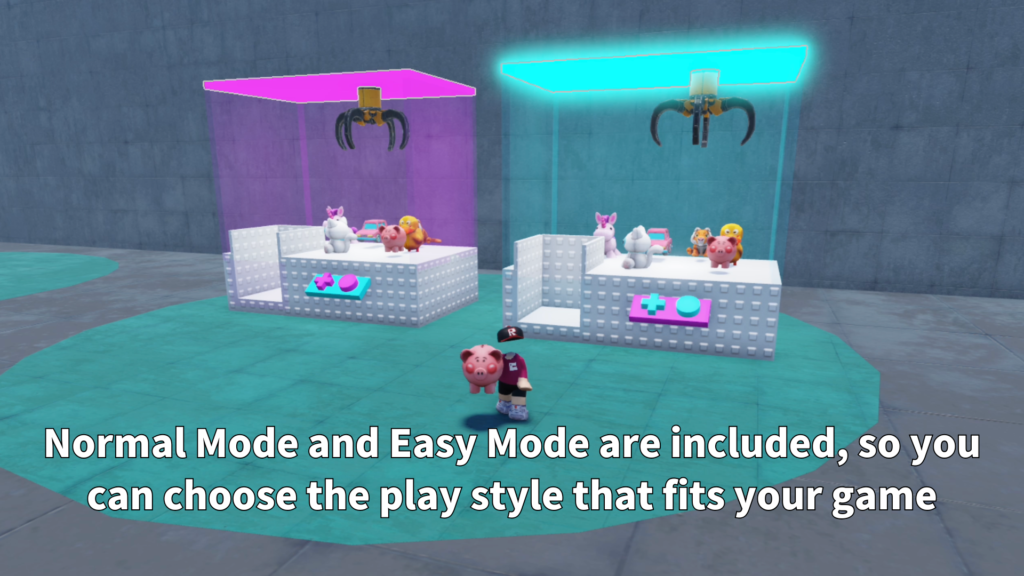
Normal and Easy Mode
Normal Mode provides more physics-based play,
while Easy Mode offers a more beginner-friendly
way to win.
Tool reward support
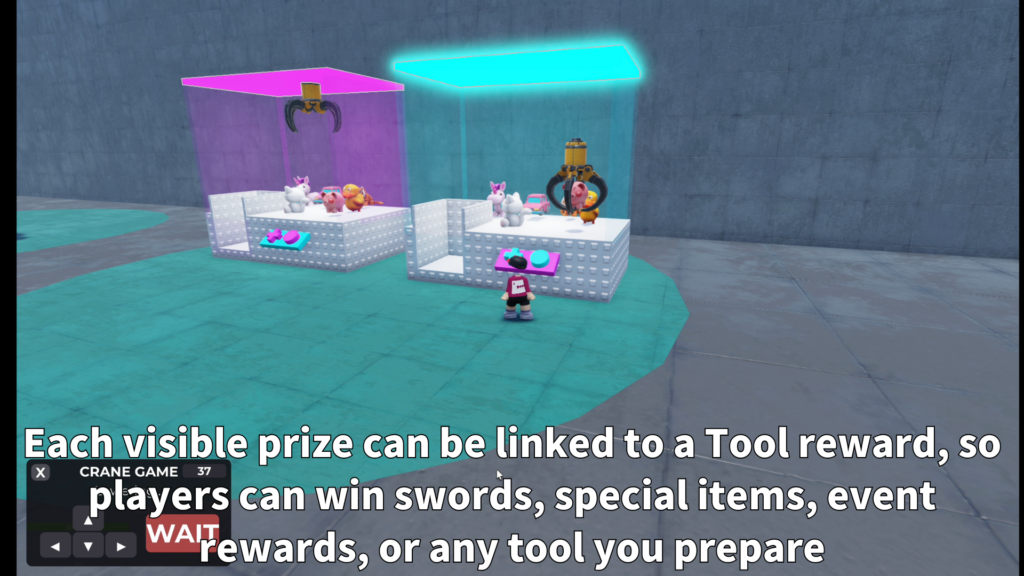
Visible prize models can be connected to
matching Tool rewards stored in ServerStorage.
- Moveable claw gameplay
- DROP button interaction
- Prize collection from an exit prompt
- Tool reward support
- Normal Mode for physics-based play
- Easy Mode for easier wins
- Prize restock support
- Full reset after idle time
- Currency and play cost support
- Custom sound settings
03
How It Works
Players start the crane machine, move the claw into
position, and press DROP. If a prize is successfully
moved to the exit area, the player can collect it
from the exit prompt.
Normal Mode and Easy Mode
Normal Mode
Uses more physics-based behavior and is suited
to creators who want a more realistic crane
game experience.
Easy Mode
Provides a more beginner-friendly experience
for games where players should be able to
win prizes more easily.
Choose one version
Use either the Normal Mode server script
or the Easy Mode server script. Do not run
both versions at the same time.
Prize and Reward Setup
Visible prize models are placed inside each machine's
Prizes folder. The system is mainly designed to give
Tool rewards when a player successfully claims a prize.
-
RewardType:
Set this to Tool when using Tool rewards. -
ToolName:
Must match the reward Tool stored in
UFOCatcherRewards. -
Reward storage:
Place reward Tools in
ServerStorage > UFOCatcherRewards. -
Prize claim:
Players collect the won reward from the
exit prompt.
For custom prize visuals, edit the SpecialMesh inside
the sample prize. The MeshId, TextureId, and Scale
can be changed to create a different prize appearance.
04
Customizable Settings
Crane Game System includes settings for prize restocking,
full machine resets, currency costs, sounds, and multiple
independent machines.
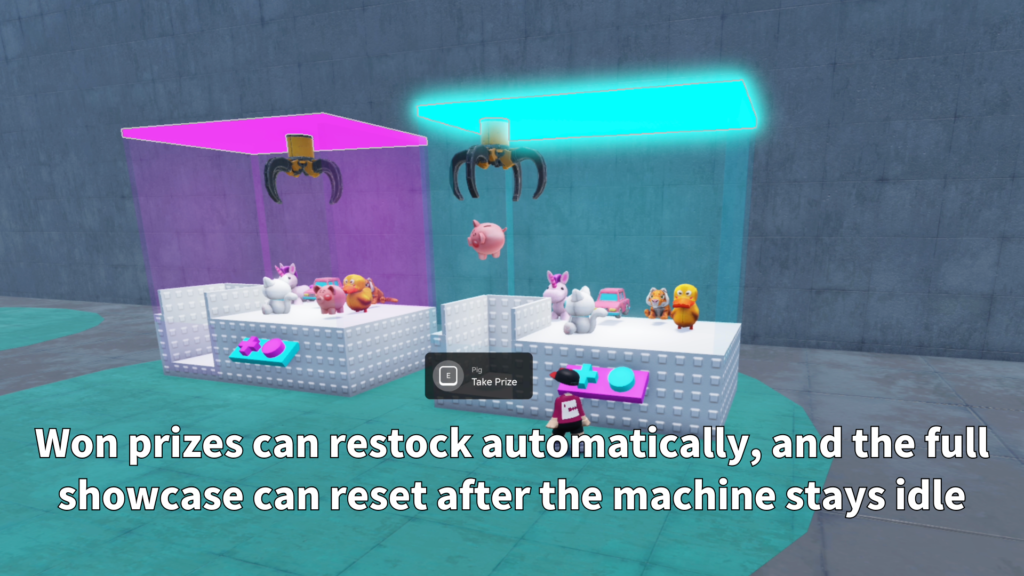
Restock and Reset
Prize positions are saved from their original locations
inside the Prizes folder. When a prize is won and
collected, it can return after a configurable delay.
-
RestockDelay:
Controls how long it takes to restore a won prize. -
FullResetIdleTime:
Resets all prizes if the machine is not used
for a configured period.
Currency and Sounds
The machine can use an existing in-game currency.
For example, CurrencyName can be set to Coin and
PlayCost can be set to 100.
-
CurrencyName:
Match this value to the currency name used
in your game. -
PlayCost:
Controls how much currency is required
to start the machine. -
CreateCurrencyIfMissing:
Can create the configured currency automatically
when enabled. -
Sound IDs:
Add sounds for start, movement, drop, win,
claim, miss, and claw closing actions.
Multiple Machines
Crane machines can be duplicated inside
Workspace > UFOCatchers. Each machine works
independently, allowing creators to build arcade
corners, prize rooms, event lobbies, or shopping
areas with multiple machines.
05
Best Use Cases
Crane Game System is a good fit for Roblox games
that need a playable prize feature, arcade attraction,
or interactive reward machine.
- Arcade maps
- Shopping mall games
- Event lobbies
- Roleplay worlds
- Prize rooms
- Reward-based mini games
- Collection games
- Interactive showcase areas
06
Gallery & Demo
See Crane Game System in action, including claw
movement, prize grabbing, the DROP interaction,
reward collection, and machine setup.
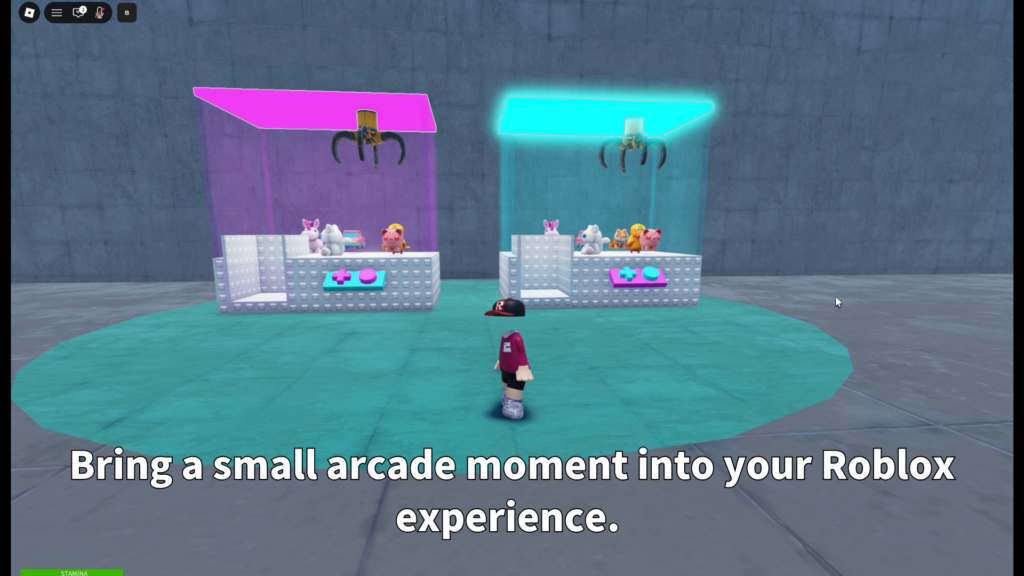
GAMEPLAY VIDEO
Watch Crane Game System
in action.
See the machine startup, claw movement,
DROP interaction, prize grabbing,
reward collection, and general gameplay
flow in this demonstration.
CRANE GAME SYSTEM
Add a playable claw machine to
your Roblox game.
Use Crane Game System to create an interactive
prize machine where players can move the claw,
drop it, win prizes, and collect Tool rewards.